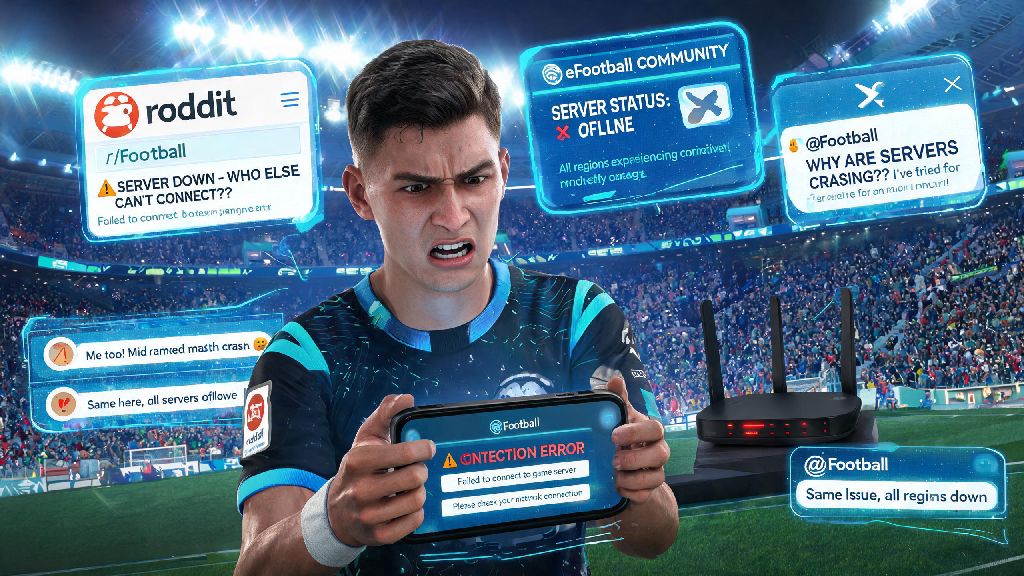
You’re 10 minutes into your 2026 eFootball Championship Qualifier match, just about to score a last-minute winner to climb to Division 1, and suddenly the screen freezes, the loading circle spins endlessly, and you get a vague “connection error” pop-up. Your first thought is almost always, is efootball server down, or is the problem on your end? We’ve all been there, and nothing kills the vibe of a casual match with friends or a ranked grind faster than unexpected connection drops. This 2026 guide breaks down exactly how to tell if Konami’s servers are having issues, what to do if the problem is yours, and how to avoid unnecessary frustration next time it happens.
How to Verify If Is eFootball Server Down (Not Just Your Connection)
Before you start resetting your router or reinstalling the entire game, take 30 seconds to confirm the issue isn’t widespread. There are three trusted sources you can cross-check to get an accurate answer in seconds, no guesswork required. I always check all three to avoid wasting time troubleshooting a problem that’s out of my control.
For example, during the 2026 launch of the new eFootball World Cup mode, thousands of players reported crashes on launch day, and DownDetector spiked with reports 10 minutes before Konami made an official statement. If all three sources confirm an outage, you can skip troubleshooting your own setup entirely.
Common Reasons You Might Think eFootball Servers Are Down (When They’re Not)
A lot of times, players jump to the conclusion that servers are down when the problem is actually something small on their own end. I’ve made this mistake myself before: I spent 20 minutes refreshing server status pages last month before realizing my roommate was downloading a 4K movie on the same Wi-Fi network, eating up all my bandwidth. Most user-side connection issues are easy to fix once you know what to look for.
Wi-Fi signal interference is one of the most common culprits, especially if you’re playing on a console or mobile device far from your router. Walls, other wireless devices, and even microwave ovens can disrupt your signal enough to kick you out of online matches, even if your phone says you have full bars. The easiest fix is to move closer to your router, or switch to a wired connection if possible.
Another frequent issue is running an outdated game client. If you haven’t updated to the latest 2026 eFootball patch, you might be locked out of online matches entirely, and the error message can look identical to a server outage. Most devices have auto-update turned on by default, but if you’ve disabled it to save data, you’ll need to manually check for updates every few weeks.
Local ISP outages can also make it look like all game servers are down, even if they’re running perfectly for everyone else. If you can’t load other websites or apps either, the problem is almost certainly with your internet provider, not Konami’s servers.
What to Do If You Confirm eFootball Servers Are Actually Down
Once you’ve verified that the issue is on Konami’s end, there’s no point in spamming the login button over and over. That can sometimes lead to temporary account restrictions if the server is overloaded with login attempts, so it’s better to step away and do something else until the issue is fixed.
You can use the downtime productively to improve your game for when servers come back. I like to run through offline skill move drills to practice new tricks I’ve seen pro players use, or adjust my custom tactics for my main 2026 squad to fix gaps I noticed in my last few matches. You can also catch up on the latest pro league replays to pick up new strategies for your ranked grind.
Avoid any in-game purchases during outages, because transactions can fail to process and you might end up waiting days for a refund for coins or packs you never received. Konami’s support team is usually swamped during widespread outages, so it can take far longer to resolve payment issues than it would on a normal day.
If the outage is for scheduled maintenance, Konami usually gives 24 to 48 hours notice on their official channels, so you can plan your play sessions around those times to avoid missing out on ranked rewards. Last quarter, Konami ran a 4-hour scheduled maintenance to roll out the new 2026 league licensing update, and players who logged on right after servers came back got a free 100 eFootball coins bonus as a thank you for waiting.
Long-Term Fixes to Avoid Unnecessary Connection Headaches in 2026
There are a few simple changes you can make to your setup to minimize connection issues even when servers are running smoothly. Most of these fixes take less than 10 minutes to set up, and they’ll cut down on lag, packet loss, and random disconnections by a huge margin.
The single best upgrade you can make is switching from Wi-Fi to a wired ethernet connection whenever possible. Wired connections cut down on lag and packet loss by up to 70% in most home setups, and they eliminate signal interference entirely. If you can’t run an ethernet cable to your console or PC, consider buying a Wi-Fi 6 router to get a more stable wireless signal.
Prioritize eFootball traffic on your router using QoS (Quality of Service) settings, so even if other people are streaming or downloading on the same network, your game gets enough bandwidth to run smoothly. Most modern routers have this feature built in, and you can usually set it up through your router’s admin page in a few minutes.
If you play cross-region matches often, consider using a reputable gaming VPN that’s optimized for eFootball 2026 to reduce ping when playing against opponents in other countries. A good gaming VPN will route your connection through servers that are closer to your opponent, cutting down on lag and making matches feel far smoother. If you’re looking for a curated list of VPNs that work best with eFootball in 2026, you can check out our roundup of the top low-ping gaming VPNs for sports games to find one that fits your budget and region.
Finally, turn on automatic updates for eFootball so you never get locked out of matches because you’re running an old client. This takes two seconds to enable in your device settings, and it will save you from missing out on limited-time events because you forgot to download the latest patch.
At the end of the day, connection issues are an unavoidable part of playing online games, but knowing how to quickly answer the question is efootball server down can save you a ton of frustration and wasted time. Next time you get a connection error, take 30 seconds to cross-check the official status page, social media, and community outage trackers before you start troubleshooting your own setup. Even if servers are down, you can use the time to get better at the game so you’re ready to climb the ranks as soon as they’re back online. 2026 has been one of the best years for eFootball content so far, and a little bit of preparation goes a long way to making sure you don’t miss out on any of it.