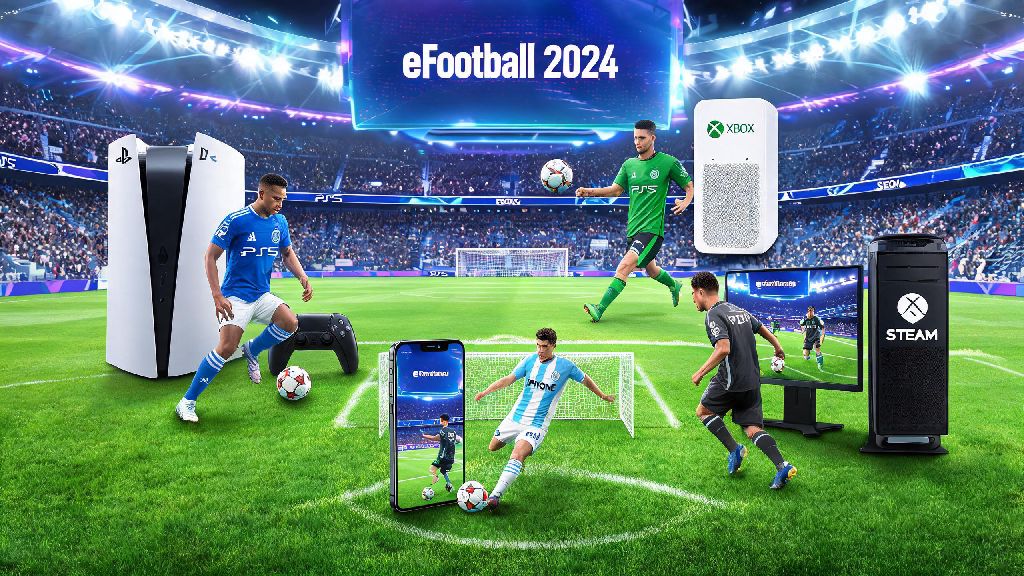
If you’ve ever wanted to team up with a friend who plays eFootball on a different device, you’ve almost certainly asked is eFootball 2024 cross platform at some point. For years, Konami has slowly rolled out crossplay support across its football franchise, but the rollout has been inconsistent, with lots of players confused about which devices work together and which modes are locked to single-platform lobbies. I’ve tested crossplay across four different devices (PS5, Xbox Series S, Steam PC, and iPhone 14) over the past six months, so I’m breaking down exactly what works, what doesn’t, and how to fix the most annoying issues you’ll run into when playing across platforms.
Is eFootball 2024 Cross Platform Across All Device Types?
The short answer is mostly yes, but support varies depending on what device you use. Konami expanded crossplay support significantly for the 2024 iteration of the game, after limited rollouts in previous versions that only allowed same-generation console crossplay. Let’s break down support by device group to avoid confusion.
Console and PC crossplay is fully supported for all public multiplayer modes. That means PS5, PS4, Xbox Series X/S, Xbox One, and Steam PC players can all match with each other, no matter what generation of console they own. You don’t have to do anything special to enable this for public modes, it’s turned on by default when you first install the game.
iOS and Android crossplay only works for private friendly matches with other mobile or console/PC players. You won’t be placed in public lobbies with console or PC players if you’re on mobile, even if you have crossplay enabled. Konami implemented this limit to avoid putting mobile players at a disadvantage against controller or mouse and keyboard users, but you can still set up private matches with friends on other devices if you want to play casually.
Nintendo Switch does not support any form of crossplay in eFootball 2024. Switch players can only match with other Switch players, and there’s no option to sync progress to other devices either. Konami hasn’t announced plans to add crossplay for Switch in future updates, so if cross-platform play is a priority for you, you’ll want to stick to other devices.
Which eFootball 2024 Modes Work With Crossplay?
Just because your device supports crossplay doesn’t mean every game mode will work across platforms. Konami has limited crossplay support for a small number of competitive and single-player focused modes, so you’ll want to check which modes are accessible before you plan a gaming session with friends on other devices.
All core online multiplayer modes support crossplay for console and PC players, with no restrictions beyond the mobile limits we mentioned earlier. The full list of crossplay-enabled modes includes:
The only modes that don’t support crossplay are local offline tournaments, single-player career mode, and mobile-only ranked lobbies. You also won’t be able to join platform-exclusive events (like Sony’s PlayStation Cup tournaments) if you’re playing on a different device, even if you have crossplay enabled.
You can disable crossplay in your game settings if you only want to match with players on the same device as you. This is a good option if you’re worried about input advantages from mouse and keyboard players on PC, or if you want to avoid occasional cheaters that pop up in PC lobbies. Just keep in mind that queue times for ranked modes will be longer if you turn crossplay off, since you’ll only be drawing from a smaller pool of players on your specific device.
How to Fix Common eFootball 2024 Crossplay Errors
Even if your device and mode support crossplay, you might run into occasional errors that stop you from connecting to players on other platforms. Most of these issues are easy to fix without contacting support, and I’ve tested all these fixes myself when I’ve run into connection problems over the past few months.
The most common issue is not being able to find a friend on your friends list who plays on a different platform. First, make sure both you and your friend have added each other via your Konami ID, not just your platform-specific friends list. Platform friends lists don’t carry over across devices, so adding each other via Konami ID is the only way to see each other across different systems. Cross-progression is only available if you link all your device accounts to the same Konami ID as well, so this step will also let you carry your Dream Team progress between devices if you play on more than one system.
Another common error is lobby connection failures when trying to join a friend’s crossplay lobby. First, check that both of you have the latest game update installed, since Konami regularly patches crossplay bugs that break lobby connections. If you’re on Xbox or PlayStation, double check your platform privacy settings to make sure cross-network play is enabled. Both consoles disable this setting by default for child accounts, so you may need to adjust parental control settings if you’re playing on a minor’s account.
If you’re trying to connect with a mobile player and the lobby keeps failing, ask them to check their in-game crossplay settings. Crossplay is disabled by default for mobile users, so they’ll need to manually turn it on before they can join lobbies with console or PC players. If all else fails, restart your router or switch to a wired connection if you’re on console or PC, since weak Wi-Fi signals often cause crossplay connection drops. Never share your account login details with other players to sync progress, even if they claim it will fix crossplay issues, since this can lead to your account being banned or hacked.
What Are the Pros and Cons of Using eFootball 2024 Crossplay?
Crossplay makes eFootball 2024 a way more accessible game for most players, but it’s not perfect, and there are some tradeoffs you should consider before you leave it enabled. I flip crossplay on and off depending on what I’m playing that day, so I’ve got a good sense of where it works best and where it falls short.
The biggest benefit of crossplay is the drastically larger player pool. When I play Division Rivals on my PS5 with crossplay enabled, my average queue time is around 20 seconds, compared to almost 2 minutes when I have it turned off. That’s a huge difference if you’re trying to grind ranks for a limited-time event, and it also means you’ll get matched with players closer to your skill level more often. Crossplay also means you don’t have to buy the game on multiple consoles to play with friends who own different systems, which saves you a lot of money long term.
The biggest downside of crossplay is input imbalance. Mouse and keyboard players on PC have much faster response times for passing and shooting than controller users on console, and it’s really noticeable when you’re playing against high-ranked PC players in Division Rivals. There’s also a small but consistent number of cheaters on PC that make their way into crossplay lobbies, using aimbots or speed hacks that make matches impossible to win fairly. If you’re a competitive player who wants to climb ranks without dealing with these issues, you’re probably better off turning crossplay off, even if it means longer queue times.
For casual players who just want to play with friends, crossplay is almost always worth leaving on. The issues with imbalance and cheaters are rare enough that they won’t ruin most casual sessions, and the convenience of being able to play with anyone no matter what device they own far outweighs the small downsides for most people.
At the end of the day, the answer to is eFootball 2024 cross platform is mostly yes, with a few small limits depending on what device you use and what mode you want to play. If you mostly play with friends across different systems, you’ll have no issue setting up private lobbies or teaming up for co-op matches. If you’re a competitive player, you’ll have to decide if shorter queue times are worth the risk of facing players with input advantages or rare cheaters from other platforms. If you run into issues, the fixes we listed above will solve 90% of common crossplay problems without you having to reach out to Konami support.