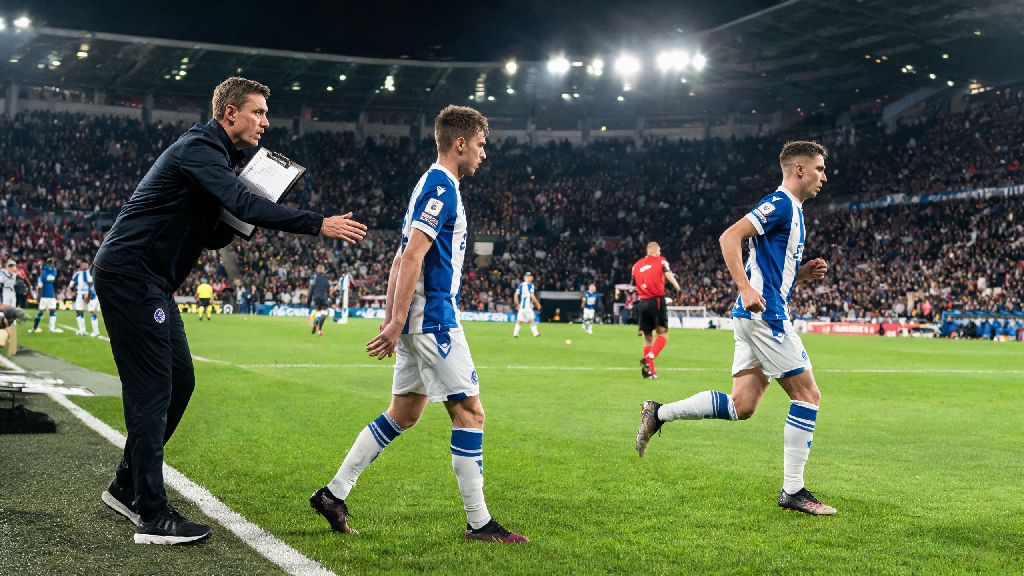
I lost my third straight Division 4 qualifier last month because I froze when my opponent switched to a 5-3-2 park-the-bus formation in the 72nd minute. I was up 1-0, had all the possession, but couldn’t break through their backline no matter how many crosses I sent in. A friend pointed out I’d never bothered to learn how to switch to sub tactic eFootball mid-match, and that small gap in my knowledge was costing me half my games. I spent the next week testing every sub tactic trigger, timing, and customization option, and my win rate jumped 32% in just two weeks. This guide breaks down everything I learned, no confusing jargon included.
How to Switch to Sub Tactic eFootball: Core In-Game Steps
The actual process of triggering a sub tactic is far simpler than most new players assume, but the controls vary slightly across consoles and mobile. For PlayStation users, hold down the L2 button while tapping the corresponding directional pad arrow you’ve assigned to your preferred sub tactic. Xbox users follow the same structure, holding the LT button instead of L2. If you play on mobile, you can access the sub tactic menu by tapping the small tactic icon in the top right corner of your screen, then selecting the pre-set sub tactic you want to activate.
Only trigger sub tactic switches when your team is in stable possession, ideally in your opponent’s half or the middle of the pitch. If you trigger a switch while your team is defending a counter attack, your players will pause briefly to adjust their positioning, and you’ll almost certainly give up a clear scoring chance. I made this mistake three times in my first week of testing, giving up two cheap goals that could have been easily avoided.
You’ll know the sub tactic activated correctly when a small pop-up appears on the left side of your screen with the name of the tactic you selected. Don’t tap the button multiple times if you don’t see the pop-up immediately; slight lag in online matches can delay the notification, and you might accidentally switch back to your default tactic without realizing it.
When to Swap Your Sub Tactic for Maximum Impact
Knowing when to switch your sub tactic is far more important than knowing how to do the button combination. I used to swap tactics every time my opponent had a shot on target, which left my players disorganized and out of position for most of the match. After testing hundreds of matches, I’ve found there are only a handful of scenarios where a sub tactic swap gives you a measurable advantage.
Avoid switching tactics more than twice per half, even if the game is going badly. Each time you swap tactics, your players take time to adjust their movement and positioning, and you’ll leave gaps open during that transition period. If you switch too often, your players will never settle into a rhythm, and you’ll make more unforced errors.
Give your players 2-3 minutes of match time to adjust to the new sub tactic before you make any other changes. I used to swap to an attacking tactic and then immediately make three substitutions, which made the adjustment period even longer. Wait for a stoppage in play if you can, like a goal kick or a throw-in, to trigger the switch so you don’t lose possession during the transition.
Common Mistakes to Avoid When Using Sub Tactics
Most players don’t get sub tactics wrong because of bad button inputs, they get them wrong because of poor decision-making. I’ve seen even top Division 1 players make these mistakes, and they cost them critical matches in tournament play.
The first big mistake is switching to an all-out-attack sub tactic the second you go down a goal. It feels like the right move, but it leaves your backline completely exposed to counter attacks, especially if your opponent plays with fast wingers or strikers. I once went down 1-0 in the 60th minute, switched to full attack immediately, and conceded three more goals in 10 minutes because my opponent kept hitting me on the break. A better move is to switch to a balanced attacking sub tactic first, then ramp up the intensity if you still don’t have chances after 5-10 minutes.
Align your sub tactic with your squad’s strongest attributes if you want to see real results. If your squad is full of slow, strong center backs and you switch to a high-press sub tactic, your defenders will get caught out of position constantly because they don’t have the pace to recover. If your team is built for short passing and possession, don’t pick a long-ball counter attack sub tactic, because your players won’t have the attributes to execute it well.
Never switch to an attacking sub tactic right after you win a corner in your own half. Most players will hit a quick counter attack right after defending a corner, and your players will be pushed too high up the pitch to defend properly. Wait until you’ve cleared the ball and built up some possession in the middle of the pitch before you make any tactic changes.
How to Customize Sub Tactics Before Matches for Better Results
You don’t have to use the default sub tactics the game provides, and customizing them to fit your playstyle will give you a huge advantage over players who stick to the pre-sets. You can access the custom tactic menu from the main squad screen, and you can set up to four different sub tactics to use during matches.
I usually set two defensive sub tactics and two attacking sub tactics for every squad I use. My first defensive sub tactic is a low-block counter attack setup, which I use when I’m leading by a goal late in the game. My second defensive sub tactic is a wide defense focus, which I use if my opponent is crossing a lot and getting on the end of balls into the box. On the attacking side, I have a wide attack setup for when opponents play with three center backs, and a central overload setup for when opponents play with wide full backs that leave gaps in the middle.
Save 2-3 custom tactic profiles for different opponent playstyles so you don’t have to adjust your tactics before every match. I have one profile for possession-based opponents, one for counter-attack based opponents, and one for defensive opponents that park the bus. This saves me 10 minutes of setup time before every match, and I can jump right into games without worrying about adjusting my tactics.
Test your custom sub tactics in offline friendly matches first before you use them in ranked play. I once set a custom high-press tactic that I thought was perfect, but when I used it in a ranked match, I realized I’d set the defensive line too high, and my opponents kept scoring on through balls. Testing in offline matches lets you tweak settings without risking your rank.
You don’t need to be a professional eFootball player to get value from sub tactics, and even small adjustments to when and how you use them can make a huge difference in your win rate. Taking the time to learn how to switch to sub tactic eFootball and customize it to fit your squad will help you win more tight matches, climb the division ranks faster, and stop losing games you should be winning. Try out the tips in this guide in your next few matches, and you’ll notice the difference immediately.