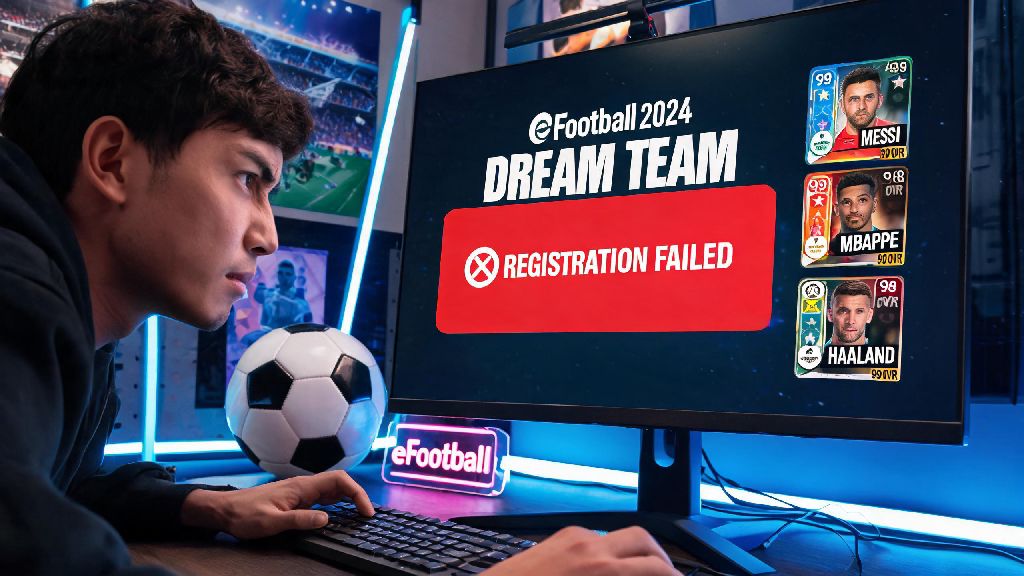
If you’ve ever spent 20 minutes scrolling through your eFootball player list trying to add a new star signing to your Dream Team, only to hit a vague ‘registration failed’ error, you’re not alone. I’ve been there too, after blowing all my GP on a prime striker I’d been chasing for weeks, only to realize I had no clue how to register players in eFootball 2024 without hitting random roadblocks. This guide breaks down every step for every game mode, plus fixes for the most common issues that trip up new and returning players alike. You won’t have to waste half your play session troubleshooting registration rules ever again.
How to Register Players in eFootball 2024 for Dream Team Mode
Dream Team is the most popular mode in the game, so it’s no surprise most registration questions pop up here. The process is straightforward once you know the unwritten rules Konami doesn’t spell out clearly for new users. First, you’ll need to navigate to the Squad Management tab from the main Dream Team menu, then select the position you want to fill. If you’re registering a newly acquired player, they’ll show up in the ‘Unregistered Players’ tab at the top of the selection screen.
Wait, I almost forgot the most important rule here: your total team cost can’t exceed your current cap. That’s the #1 reason most registration attempts fail for new players. Every player has a cost tied to their rarity and rating, and your cap increases as you level up your Dream Team profile. If you’re over the cap, you’ll either need to remove a higher-cost player from your starting 11 or bench, or use a cost reduction item on your new signing to bring their cost down before you register them.
Once you select the player you want to register, you’ll be prompted to confirm their spot in your squad. You can also set them as a starter or reserve right from that screen, no extra steps needed. If you’re registering a player for a specific position they don’t normally play, you’ll get a pop-up warning that their stats will be reduced, so you can decide if you want to proceed or pick a different player instead.
Player Registration Rules for Friendly and Competitive Offline Modes
Offline modes don’t have the same cost cap restrictions as Dream Team, but they still have their own set of registration rules you need to follow. For example, if you’re setting up a custom friendly match against a friend, you can register any player from the base game roster, or any player you’ve unlocked in your personal collection, as long as they fit the match’s custom rules. If you set the match to only allow 3-star teams, you won’t be able to register 5-star rare players no matter how much you want to use them.
For offline competitive modes like the Master League, registration works a little differently. You can only register players you’ve signed to your club during transfer windows, and you can only make changes to your registered squad during the pre-season, mid-season transfer window, or before a new competition starts. You can’t swap out registered players mid-tournament, so make sure you pick your squad carefully before you submit your registration for cups or league play.
I made this mistake once early on, when I signed a top winger halfway through a league season but forgot I couldn’t register him until the next window. I ended up stuck with a low-rated reserve on the wing for 12 matches, and lost out on the league title by two points. Don’t make that same mistake, always check when your next registration window opens before you spend your transfer budget.
Common Player Registration Errors and How to Fix Them
Even if you follow all the steps correctly, you might still run into errors when you try to register players. Most of these have simple fixes, no need to restart your game or reach out to support. The most common errors I’ve run into (and helped dozens of community members fix) include:
If you’re getting an error that’s not on this list, try restarting your game first. Sometimes sync issues with Konami’s servers can cause random registration failures, especially if you’re playing on mobile or Switch. If that doesn’t work, double check that you don’t have any unclaimed rewards or expired players in your collection that are taking up slots you didn’t know about. In many cases, the issue is something tiny you’ve overlooked, not a bug with the game itself.
Pro Tips to Streamline Your Player Registration Process
Once you get the hang of the basic registration steps, you can cut down the time you spend managing your squad by half with a few simple tricks I’ve picked up over hundreds of hours of play. First, sort your unregistered players by position and cost as soon as you acquire them, so you don’t have to scroll through hundreds of cards when you’re looking for a specific player to fill a spot. Most players skip this step, but it saves so much time in the long run, especially if you open a lot of packs each week.
Another great trick is to save 2-3 custom squad templates for different modes. For example, you can have one template for low-cost competitive tournaments, one for casual friendly matches with your friends, and one for grinding Dream Team events. You won’t have to re-register players every time you switch modes, just load the template and you’re ready to go. I used to spend 10 minutes adjusting my squad every time I switched between casual and competitive play, now it takes 10 seconds.
If you’re a Dream Team player, hold onto your cost reduction items for high-rated meta players you plan to use long-term. Don’t waste them on low-rated filler players you’ll replace in a week or two. It’s also a good idea to leave 2-3 open spots in your registered squad at all times, so you can add new signings right away without having to remove players every time you pull a good card from a pack. That way you don’t have to make rushed decisions about who to cut right after you get a new player.
One last tip: if you’re playing in a competitive online tournament, always confirm your registered squad 10-15 minutes before the tournament starts. I’ve had cases where a player’s cost changed after a title update, pushing my team over the cap without me noticing, and I almost got disqualified from a community tournament because of it. A quick check takes 30 seconds and saves you a ton of headache later.
Player registration doesn’t have to be the frustrating, time-consuming part of your eFootball play session. Once you learn the rules for each mode and the quick fixes for common errors, you’ll be able to build and adjust your squad in minutes, so you can spend more time actually playing the game. If you’re still running into issues figuring out how to register players in eFootball 2024, start with the steps for your specific mode first, then work through the common error fixes we covered, and you’ll be set. And don’t forget to test out those custom squad templates, they’ve saved me more time than any other eFootball trick I’ve learned over the years.