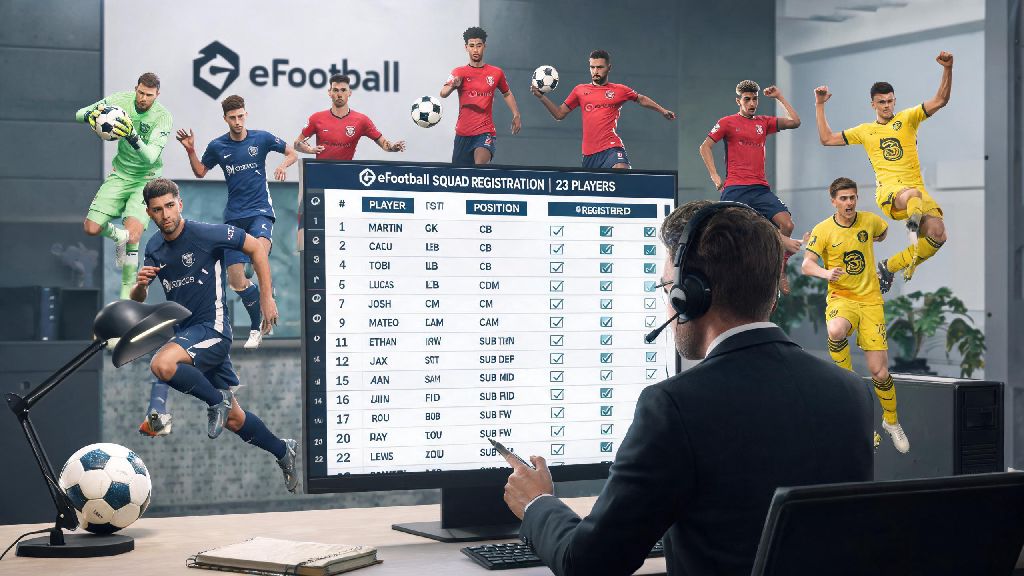
If you’ve ever tried to sign up for an eFootball tournament or start a new Master League season only to get hit with a “not enough registered players” error, you know how frustrating the process can be. I spent my first three months playing the game only registering 18 players for every squad, until I got knocked out of a community tournament after my starting keeper got a red card and I had no eligible backup on the roster. That’s when I sat down to figure out how to register 23 players in eFootball properly, and the difference it made to my performance was night and day. Most players skip registering the full 23 because they think it’s unnecessary, but the extra depth gives you flexibility for injuries, suspensions, and rotation during long campaign runs. This guide will walk you through every step, including common mistakes to avoid and tips to build a squad that works for every game mode.
Prerequisites for Registering a Full 23-Player eFootball Squad
Before you start clicking through the registration menu, there are a few boxes you need to tick to avoid running into errors halfway through the process. I’ve wasted hours adjusting my squad only to find out I missed one of these basic requirements, so double check this list first:
Check your league or tournament registration rules first before you start picking players. Some events have specific requirements like a minimum number of homegrown players, or a cap on the number of players above 85 overall rating, so you don’t want to build your entire squad only to find it doesn’t meet the rules. Make sure none of your players are suspended or listed for transfer – that’s the most common mistake I see new players make, and it’s an easy fix if you check first.
Step-by-Step Process to Register 23 Players in eFootball
Once you’ve ticked all the prerequisites, the actual registration process only takes a few minutes if you follow these steps closely. I’ve tested this process across console, PC, and mobile versions of the game, and it works for all official game modes including Dream Team, Master League, and official eFootball tournaments. First, navigate to the main Squad menu from the game’s home hub, then select the “Registration” tab instead of the standard “Edit Squad” tab. The edit squad tab only adjusts your casual play lineup, so you need to go to the dedicated registration section for competitive and campaign modes.
Next, select the specific competition you want to register for from the dropdown menu. Each competition has its own separate registration list, so you can have different 23-player squads for ranked play and your offline Master League campaign if you want. You’ll see three groups of slots when you open the registration page: 11 starting player slots, 7 bench slots, and 5 reserve slots, which add up to exactly 23 total spots. Click or tap each empty slot to assign a player from your eligible club inventory.
Prioritize assigning positions that match the player's preferred role to avoid position compatibility penalties that will lower your team’s overall rating during matches. If you’re in a hurry, you can use the auto-fill feature to populate all slots with your highest rated eligible players, but I always double check the results because the auto-fill often puts wingers in fullback spots or central midfielders out wide if it runs out of eligible players for a position. Once all 23 slots are filled, click the “Confirm Registration” button at the bottom of the screen. If there’s an issue with your squad, the game will highlight the problematic player or slot with a red warning icon, so you can adjust it before resubmitting.
Common Errors to Avoid When Registering Your 23-Player Squad
Even if you follow the steps perfectly, you might run into a few common errors that stop your registration from going through. Most of these are easy to fix once you know what to look for, so don’t panic if you get a rejection message. The most frequent error is failing to meet the minimum position requirements for the competition. Almost all official eFootball modes require you to have at least 2 goalkeepers, 5 defenders, 5 midfielders, and 3 forwards in your registered squad, so you can’t stack your team with 12 forwards and only 2 defenders to get more attacking options.
Never skip the minimum position requirement check – I once spent 20 minutes building a squad only to realize I only had one goalkeeper, so I had to swap out a winger for a backup keeper at the last minute. Another common error is registering a player that’s already assigned to another registered squad for a different competition. You can’t have the same player on two active registration lists at the same time, so if you want to use a star player for both ranked play and a custom tournament, you’ll have to remove them from one squad first.
You also might run into errors if you’re trying to register a loaned player whose loan period ends before the competition finishes. The game will automatically remove that player from your squad when their loan expires, leaving you with an empty slot that can disqualify you from ongoing matches, so always check loan end dates before adding a loaned player to your 23-player list. If you’re playing on mobile, make sure you don’t close the app mid-registration, as that can corrupt your squad list and force you to start the entire process over again.
Tips to Build a Balanced 23-Player Registered Squad
Registering 23 players is only half the battle – you want to build a squad that gives you flexibility and options for every match scenario, not just fill slots with random players to meet the requirement. I used to just add my lowest rated players to the reserve slots to hit the 23 count, but that left me with no usable options when my top players got injured or fatigued. Include at least one backup player for every position so you don’t have to play someone out of position if your starter is unavailable. For example, have a backup left back, backup central midfielder, and backup striker on your bench or reserve list, so you can swap them in without losing team chemistry.
It’s also a good idea to mix up player play styles in your squad. If all your starting wingers are pacey inside forwards, add one winger who specializes in crossing to your bench, so you can switch up your tactic if you’re struggling to break down a defensive opponent. For offline modes like Master League, use the 5 reserve slots to add young prospects with high potential. Playing them in low-stakes cup matches against weaker teams will help them level up faster, without forcing you to take your top players out of important league matches.
You also don’t need to fill your entire squad with 90+ rated players to be competitive. I’ve won multiple community tournaments with a squad that has 78-80 rated reserves, because I picked players that fit my tactic instead of just chasing high overall ratings. Don’t forget to save your 23-player squad as a template once you’re happy with it, so you can quickly load it for future competitions instead of building it from scratch every time.
Once you get the hang of the process, it only takes a couple of minutes to register 23 players in eFootball, and the extra squad depth is well worth the small time investment. I’ve won far more matches since I started registering the full 23, because I no longer have to panic when a starter gets injured or suspended halfway through a tournament. If you’re still unsure if you did it correctly, play a quick friendly match with your registered squad first to make sure all your bench and reserve players are available for selection. You can always go back and adjust your registration list before the competition starts if you notice any gaps or issues.