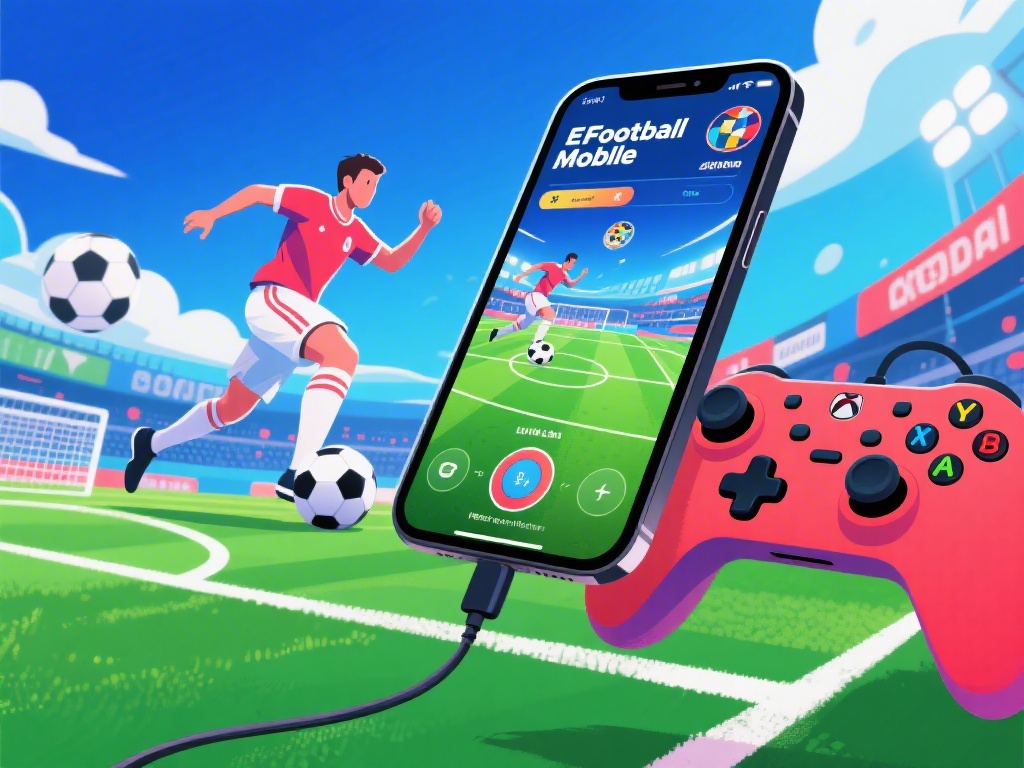
How to Play eFootball Mobile with Controller on iPhone: A Complete Guide
Are you an eFootball Mobile fan looking to take your gaming experience to the next level? Do you want to play with a controller on your iPhone? Look no further! In this comprehensive guide, we'll walk you through everything you need to know about playing eFootball Mobile with a controller on your iPhone.
Step 1: Check Compatibility
Before you start, it's important to ensure that your iPhone is compatible with the controller you plan to use. Most controllers designed for mobile gaming should work with the iPhone, but it's always good to double-check the specifications.
Step 2: Pair Your Controller
To pair your controller with your iPhone, follow these steps:
1. Turn on your controller and make sure it's discoverable.
2. Go to your iPhone's Settings.
3. Tap on "Bluetooth."
4. Your controller should appear in the list of devices. Tap on it to pair.
Step 3: Configure Your Controller
Once your controller is paired, you'll need to configure it for use with eFootball Mobile. This process may vary depending on the brand and model of your controller, but generally, you'll need to:
1. Open the controller's software or app.
2. Select eFootball Mobile from the list of compatible games.
3. Follow the on-screen instructions to set up your controls.
Step 4: Optimize Your Settings
To get the most out of your controller experience, consider the following settings:
- Sensitivity: Adjust the sensitivity of your controls to your preference.
- Dead Zones: Set dead zones to prevent accidental inputs.
- Custom Controls: Customize the buttons and triggers to your liking.
Step 5: Master the Gameplay
Now that your controller is set up, it's time to dive into the game. Here are some tips to help you master eFootball Mobile:
- Use the Left Stick for Movement: This allows for more precise control over your player's movements.
- Assign the Right Stick to Camera Control: This gives you a better view of the game.
- Use the Triggers for Shooting and Passing: This provides more power and accuracy to your shots and passes.
Step 6: Join the eFootball Community
eFootball Mobile is more than just a game; it's a community. Join forums, follow social media accounts, and participate in events to connect with other players and stay updated on the latest news and updates.
---
Playing eFootball Mobile with a controller on your iPhone can significantly enhance your gaming experience. By following these steps and tips, you'll be well on your way to mastering the game. Happy gaming!