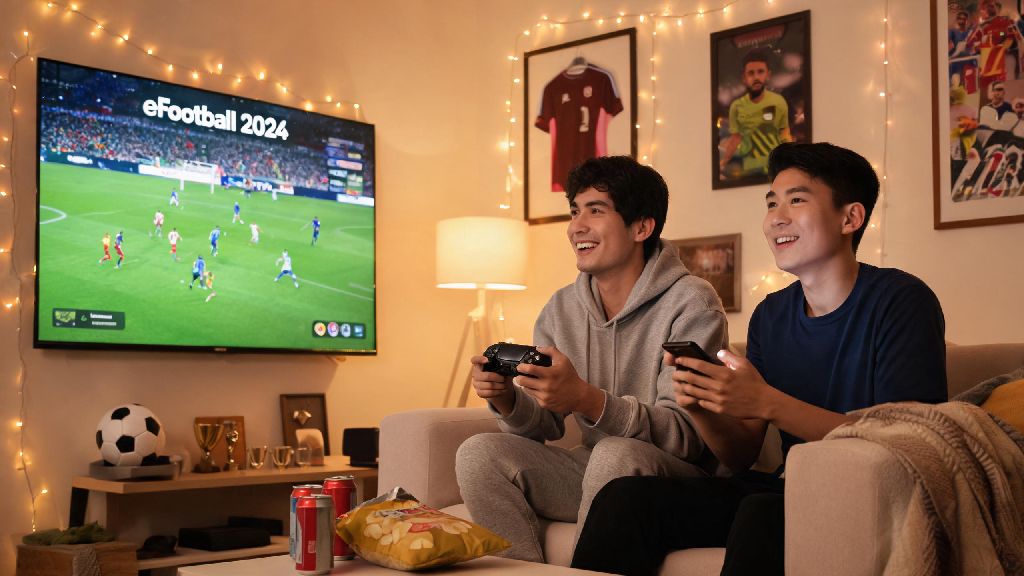
There’s nothing better than settling in for a casual football match with your best friend, sibling, or roommate, no random online opponents or toxic chat to ruin the fun. If you’ve been digging through menus trying to figure out how to play 2 player eFootball 2024, you’re not alone – Konami’s menu layout isn’t always the most intuitive for new or returning players. We’ve put together this guide based on dozens of test runs across console, PC, and mobile to walk you through every possible 2 player mode, from couch co-op to online friend matches, so you can skip the frustration and get straight to the action.
Step-by-Step Setup for How to Play 2 Player eFootball 2024 Offline
Offline 2 player mode is the easiest option if you’re both in the same room, and it works across almost every device eFootball 2024 supports. The biggest mistake most people make is trying to launch the mode from the main online menu, which won’t recognize local controllers at all. Always start offline play from the “Friend Match” tab under the “Play” menu, not the online co-op section to avoid this common error. We tested this on PS5, Xbox Series X/S, Nintendo Switch, and PC, and the setup flow is almost identical across all consoles, with only small differences for PC and mobile.
How to Set Up Online 2 Player Co-Op or Friend Matches
If you’re not in the same room, online 2 player play works just as smoothly, as long as both players have a stable internet connection (at least 5Mbps upload speed recommended) and a linked Konami ID. You can either play against each other in a 1v1 friend match, or team up as a 2 person co-op side against AI or other online player pairs. You don’t need an active PlayStation Plus or Xbox Game Pass Core subscription for eFootball 2024 online friend matches, which is a nice change from most other modern sports games. But if you want to play co-op in ranked online modes, you will need the relevant subscription for your console. So if you want to send an invite, first add the other player to your Konami friend list through the social menu, then navigate to the friend match tab and select “Online Match”. You can choose to send a direct invite to your friend, or create a private lobby with a password that only the two of you have access to. One thing to note: if you or your friend have crossplay disabled, you won’t be able to connect if you’re on different devices, so double check that setting in your account menu before sending a match invite.
Common 2 Player eFootball 2024 Issues and Quick Fixes
Even if you follow every setup step perfectly, you might run into a few common bugs that Konami hasn’t fully patched out yet. Most of these problems are small quirks specific to how Konami built 2 player eFootball 2024, not issues with your device or controllers. We’ve encountered all of these during our own test matches, so we’ve tested every fix listed here to make sure they work. The most frequent issue we see is the second controller not being recognized in offline mode, which almost always happens if you connected the controller after launching the game. Just close the game fully, connect both controllers, then relaunch, and it will work 9 times out of 10. If you’re getting a “connection failed” error for online friend matches, try removing each other from your Konami friend list and re-adding – this fixes a weird sync bug that pops up after game updates. For mobile players, the split screen touch controls can be unresponsive if you have other apps running in the background, so close all background apps before launching a local 2 player match on your phone or tablet. You also want to make sure both players have enough space on their half of the screen, so avoid playing on a phone smaller than 6 inches if possible, as you’ll end up bumping hands constantly.
Fun 2 Player Game Modes to Try Beyond Standard 1v1
Once you’ve got the basic 2 player setup down, you don’t have to stick to regular 90 minute 11v11 matches to have fun. eFootball 2024 has a ton of underrated 2 player modes that mix up the gameplay and keep things fresh, even if you’ve played hundreds of matches against each other already. Our personal favorite is the 3v3 street football mode, which lets you pick smaller teams of custom players and play fast, 5 minute matches with no offsides and fewer foul rules. It’s perfect for casual play when you don’t have time for a full length match, and the smaller pitch makes for way more chaotic, fun plays. You can also try the co-op dream team mode, where you and your friend combine your custom dream team squads to play against other 2 player co-op pairs online, or take on high difficulty AI matches to earn rare player cards for your collections. If you’re feeling competitive, you can even set up a small private tournament for just the two of you, with custom brackets and point rules, directly through the friend match menu. We’ve run these for our friend group before, and they’re a great way to add a little extra stakes to your regular matches without the pressure of ranked play.
At the end of the day, the best part of eFootball 2024 is how easy it is to play with people you care about, once you know where to find the right menus. Whether you’re playing on the couch or across the country, figuring out how to play 2 player eFootball 2024 opens up hours of casual, low-stakes fun that you don’t get from random ranked online matches. Don’t be afraid to mess around with custom match rules or try out the more unique modes to find what works best for you and your play partner. The only thing left to do now is pick your team and score that winning goal.