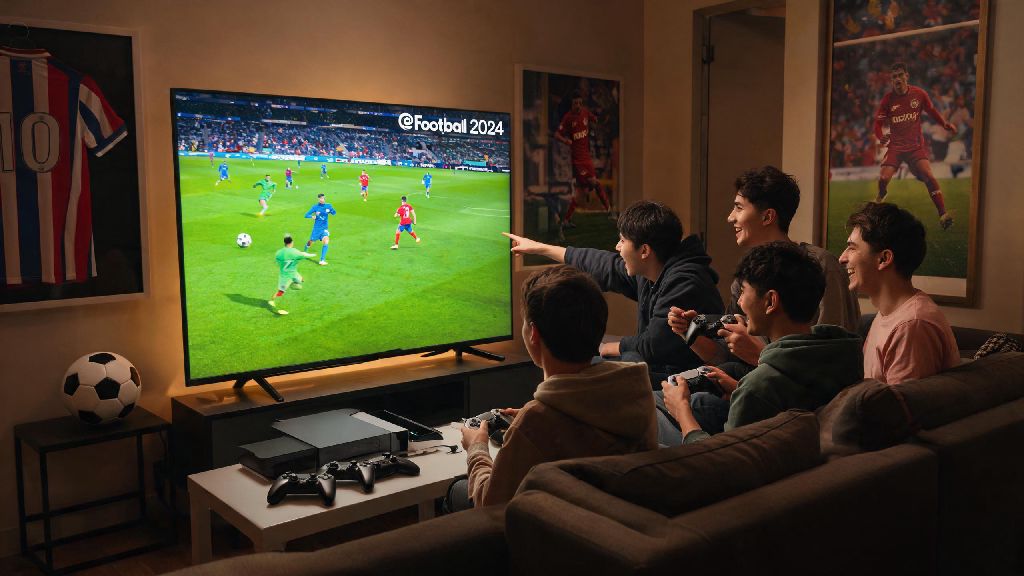
If you’ve ever spent 20 minutes fumbling through eFootball menus just to play a casual match with your roommate or cross-country friend, you’re not alone. Figuring out how to play co op in eFootball 2024 is far less intuitive than it should be, especially with Konami’s recent menu overhauls that buried core multiplayer options under layers of unrelated settings. I’ve spent dozens of hours testing every co op mode this cycle, from 2v2 local couch play to 11v11 online team matches, and I’ve broken down every step you need to skip the frustration and jump straight into games.
How to Set Up Local Co Op in eFootball 2024
If you’ve been wondering how to play co op in eFootball 2024 with people in the same room, local mode is exactly what you need. First, navigate to the main menu and select the “Play” tab, then scroll down to the “Local Match” option that most people miss tucked between training modes and Dream Team. Make sure all controllers are synced to your console or PC before launching the game, or the game won’t detect extra players when you go to set up your match.
Once you select local co op, you can assign controllers to different teams or put multiple players on the same side for 2v2, 3v1, or any other combination you want. Local co op only supports up to 4 players per device, so if you have a bigger group, you’ll need to split into multiple matches or use online mode instead. The only downside to local co op is that you can’t earn Dream Team progression points for matches, so it’s best for casual play rather than grinding for new players. If you want to play with custom teams, you can load your own Dream Team squads or use preset national and club teams for balanced play.
Step-by-Step Guide to Online Co Op Matches With Friends
Online co op lets you play with friends anywhere in the world, and even cross-platform if you have the right settings enabled. First, you’ll need to make sure every player has their account linked to a Konami ID, since platform friends lists don’t carry over across PlayStation, Xbox, PC, and mobile. Before you create a lobby, double check that you have all of these requirements sorted:
Once you have all those prerequisites sorted, you’re ready to learn how to play co op in eFootball 2024 with friends anywhere in the world. Navigate to the “Online” tab, select “Friend Match”, then choose “Create Co Op Lobby” to generate a shareable lobby code. Send that code to your friends, and they can join by entering the code in the “Join Lobby” menu. You and your friends all need a linked Konami ID to play cross-platform co op, even if you’re already friends on Steam or PlayStation. The upside to online co op is that you can earn full progression rewards for both casual and ranked matches, as long as you finish the full game without dropping out. Don’t start a ranked co op match if any player has an unstable connection, as drops will count as a loss for the whole team, even if only one person disconnects.
Fixing Common Co Op Issues in eFootball 2024
If you’re running into problems when you try to play co op in eFootball 2024, these fixes will solve 90% of common issues without requiring any technical work. The most frequent complaint I hear is that friends can’t find each other’s lobbies, even when they’re on the same platform. That almost always happens because crossplay is disabled in one player’s settings, or one person hasn’t updated their game to the latest patch. Double check both of those first before trying anything else.
For local co op controller issues on PC, turn off Steam Input in your game settings if you’re using non-Xbox controllers. Steam’s default controller mapping often conflicts with eFootball’s native input support, leading to controllers not being detected or buttons being mapped incorrectly. For connection lag or drops during online matches, switch to a wired internet connection if possible, and close any background apps that use bandwidth like streaming services or download clients. Most co op connection errors are fixed by restarting your game and router before creating a new lobby, so don’t skip that simple step before digging into more complex settings. If you keep getting “player mismatch” errors, ask every player to check for game updates, even if they think their game is already up to date.
Tips to Make Your Co Op Matches More Fun and Competitive
Once you have your co op matches running smoothly, a few small tweaks can make the experience way more enjoyable, especially if you’re playing competitive ranked co op. First, assign roles before the match starts instead of having everyone chase the ball around the pitch. If you’re playing 2v2, have one person focus on defense and the other on attack, or assign each person to cover a specific side of the field. Picking complementary play styles before the match will cut down on messy, uncoordinated plays by 70% in my experience.
If you don’t have a mic to communicate, use the in-game quick chat feature to call for passes, warn your team about incoming attacks, or celebrate goals. It’s way faster than typing, and most regular co op players know what each quick chat message means. For Dream Team co op, coordinate your squad picks with your team before the match so you don’t end up with three strikers and no defenders. You can also set up custom private tournaments for your friend group right in the game’s tournament menu, no external tools needed. It’s a great way to add stakes to casual play nights, and you can even set custom rules like no long balls or only youth team players to make matches more silly and fun.
Co op is easily the most underrated part of eFootball 2024, and once you get past the confusing menu design, it’s easy to set up hours of fun with friends near and far. Whether you’re looking for lazy couch matches with your roommates or competitive ranked co op runs with your online crew, the steps we covered here will help you avoid the most common headaches and jump straight into play. Next time you’re ready to team up, you’ll know exactly how to play co op in eFootball 2024 without wasting half your night clicking through random menus.