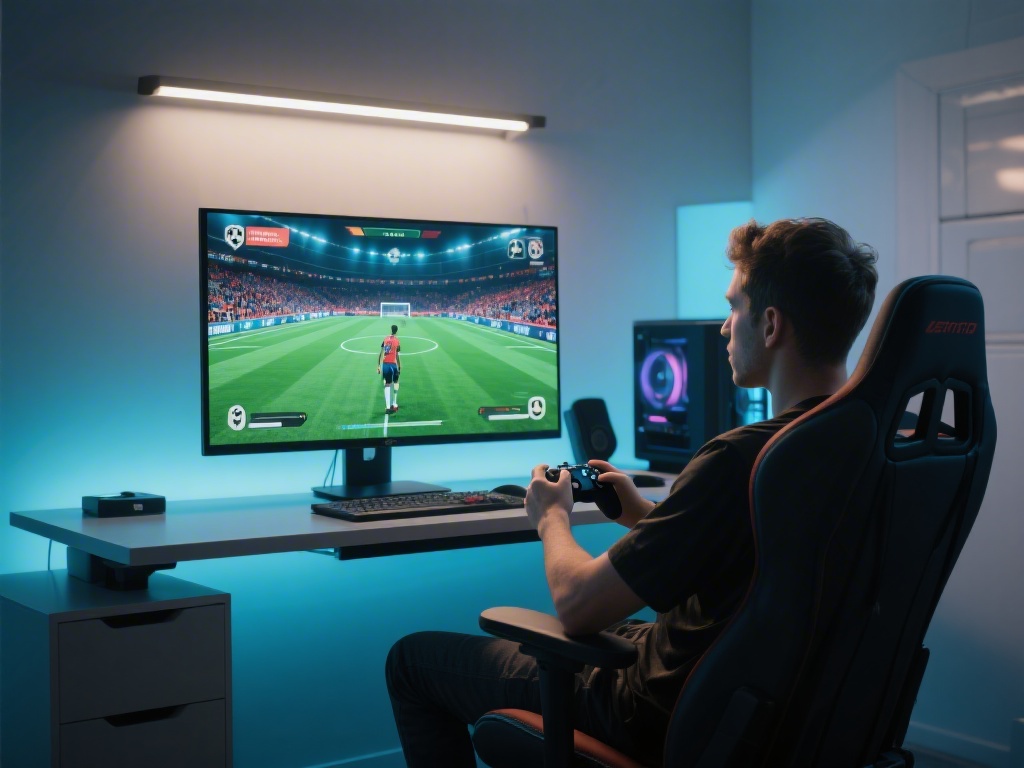
How to Make eFootball Full Screen on PC: A Complete Guide
Are you tired of playing eFootball in a small window on your PC? Do you want to enjoy an immersive gaming experience? If so, you've come to the right place. In this article, we'll guide you through the process of making eFootball full screen on your PC. Whether you're a seasoned gamer or just starting out, this guide will help you achieve the perfect setup.
Step 1: Check Your Graphics Settings
Before you start, ensure that your PC meets the minimum system requirements for eFootball. Check your graphics settings to make sure they are optimized for full-screen mode. You can do this by navigating to the graphics card settings in your PC's control panel.
Step 2: Open eFootball and Access Settings
Launch eFootball on your PC and navigate to the settings menu. This can usually be found in the game's main menu. Look for an option like "Graphics" or "Display Settings."
Step 3: Enable Full Screen Mode
Within the graphics settings, you should find an option to enable full-screen mode. This may be labeled as "Window Mode" or something similar. Select "Full Screen" or "Borderless Full Screen" to make eFootball run in full screen mode.
Step 4: Adjust Display Settings
Once you've enabled full-screen mode, you may need to adjust other display settings to ensure the best experience. Look for options like resolution, refresh rate, and aspect ratio. Experiment with different settings to find the combination that works best for you.
Step 5: Save and Exit
After making the necessary changes, save your settings and exit the settings menu. You should now be playing eFootball in full-screen mode on your PC.
Tips for an Immersive Experience
- Make sure your PC is running the latest drivers for your graphics card to ensure optimal performance.
- Consider using a high refresh rate monitor to reduce screen tearing and provide a smoother gaming experience.
- If you encounter any issues with full-screen mode, try disabling any screen savers or background applications that may interfere with the game's display.
Conclusion
Making eFootball full screen on your PC is a simple process that can significantly enhance your gaming experience. By following our step-by-step guide and implementing our tips, you'll be enjoying eFootball in full-screen mode in no time. Whether you're a casual gamer or a hardcore football enthusiast, this guide will help you achieve the perfect setup for your PC gaming adventures.